
Home Page Color, Fonts And Themes
Color, Fonts And Themes
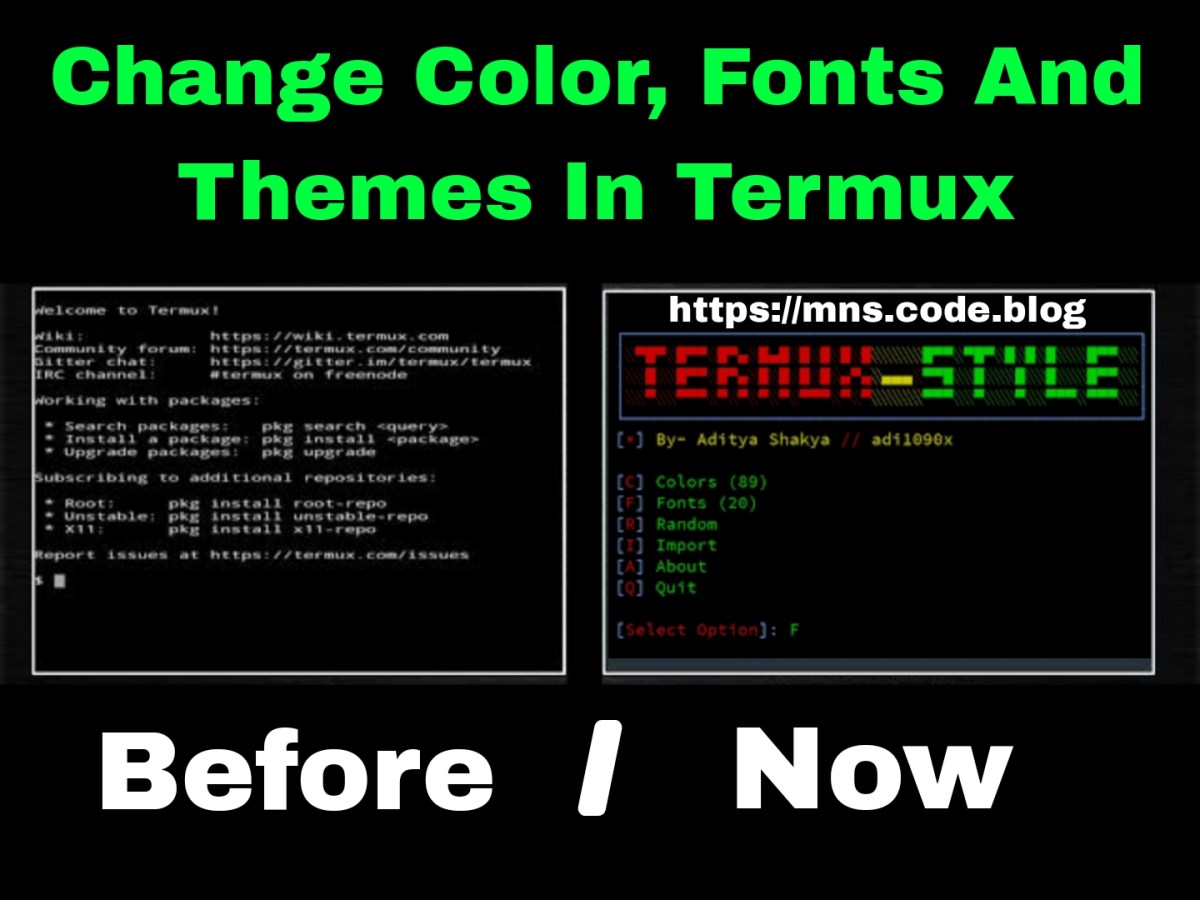
Hello friends today I’m going to show you how to change font and theme in termux. We will change font and theme in termux using termux style tool. We will first install termux style then we will change font in termux after that we will change theme of termux. Read this article for all themes and fonts of termux. So let’s start,
What is Termux Style?
Termux Style is a popular tool that can be used to change the font and theme of Termux. This tool can change the color scheme of Termux. Termux Style has 90 color schemes and 20 different fonts for Termux. You can also add your own themes and fonts to Termux using this tool. This tool is created by Aditya Shakya and is available on Github under the name adi1090x.
How to Install Termux Style in Termux?
Installing Termux Style is an easy task, you just have to clone the files and run the installation script through some simple basic commands of Termux. Follow the below steps one by one to install Termux Style in Termux,
Step 1: First of all open Termux app and make sure you have the latest version.
Step 2: Now update and upgrade Termux completely using pkg update && pkg upgrade -y command.
pkg update
pkg upgrade -y
Step 3: Install Git to clone Termux style by typing pkg install git -y command in termux.
pkg install git -y
Step 4: Clone Termux style using git clone https://github.com/adi1090x/termux-style command.
git clone https://github.com/adi1090x/termux-style
Step 5: Navigate to Termux style directory using cd termux-style command.
cd termux-style
Step 6: Install Termux style using ./install command in termux.
./install
That’s it, we have successfully installed Termux style in termux. The installation process may take some time depending on the internet and your mobile performance. You can open the termux style tool by typing termux-style in termux. Now we will see how to change font and theme in termux.
How to change font in Termux?
First of all we will see how to change font in termux. To change font in termux you need to follow the below steps. Make sure you have installed termux style as we will change font in termux using Termux style tool.
Step 1: Open the termux style tool using termux-style command.
termux-style
Step 2: Now type F to choose font for termux.
[Select Option]: F
Step 3: Choose font by typing the number of the font. (Like For Ubuntu font type 20)
[Select Font (1 to 20)]: 20
Step 4: Your font in Termux is completely updated. If the font does not appear, make sure to restart.
We have successfully changed the font in Termux using Termux Style Tool. Now we will see how to change theme in Termux.
How to change theme in Termux?
Now we will see how to change theme in Termux. After installing Termux Style now we can easily change the theme of Termux. Follow the below steps one by one to change theme in Termux.
Step 1: Open the termux style tool using the termux-style command.
termux-style
Step 2: Now type C to choose a theme for termux.
[Select Option]: C
Step 3: Now choose the theme by typing the theme number.
[Select Colour Scheme (1 To 91)]: 80
Step 4: Your theme in termux is completely changed. Make sure to restart the termux app to see all the changes.
We have successfully changed the theme and font in termux. That was all about changing font and theme in termux. I hope you liked this tutorial.
Read This Post In Hindi..
Go Home
Discover more from MNS.Code.Blog
Subscribe to get the latest posts sent to your email.

 MNS.Code.Blog